Rear backup camera failure diagnosis
Tags: #wiring · #connector · #water-ingress
Image upside-down or rotated/zoomed wrong. Two related display-only issues (not a hardware failure): (1) On the stock system, if the backup camera image displays upside-down, first check the head unit's mirror/flip setting (General Settings > Camera Mirror Display); if that doesn't fix it, reboot the head unit. If water has entered the camera, the image can also self-correct over time as internal condensation dries out 12345. (2) On aftermarket Android head units specifically, the rear-camera image may instead appear rotated or zoomed incorrectly after install — this is fixed from the head unit's own camera settings menu (rotation/zoom parameters), not the camera hardware 678.
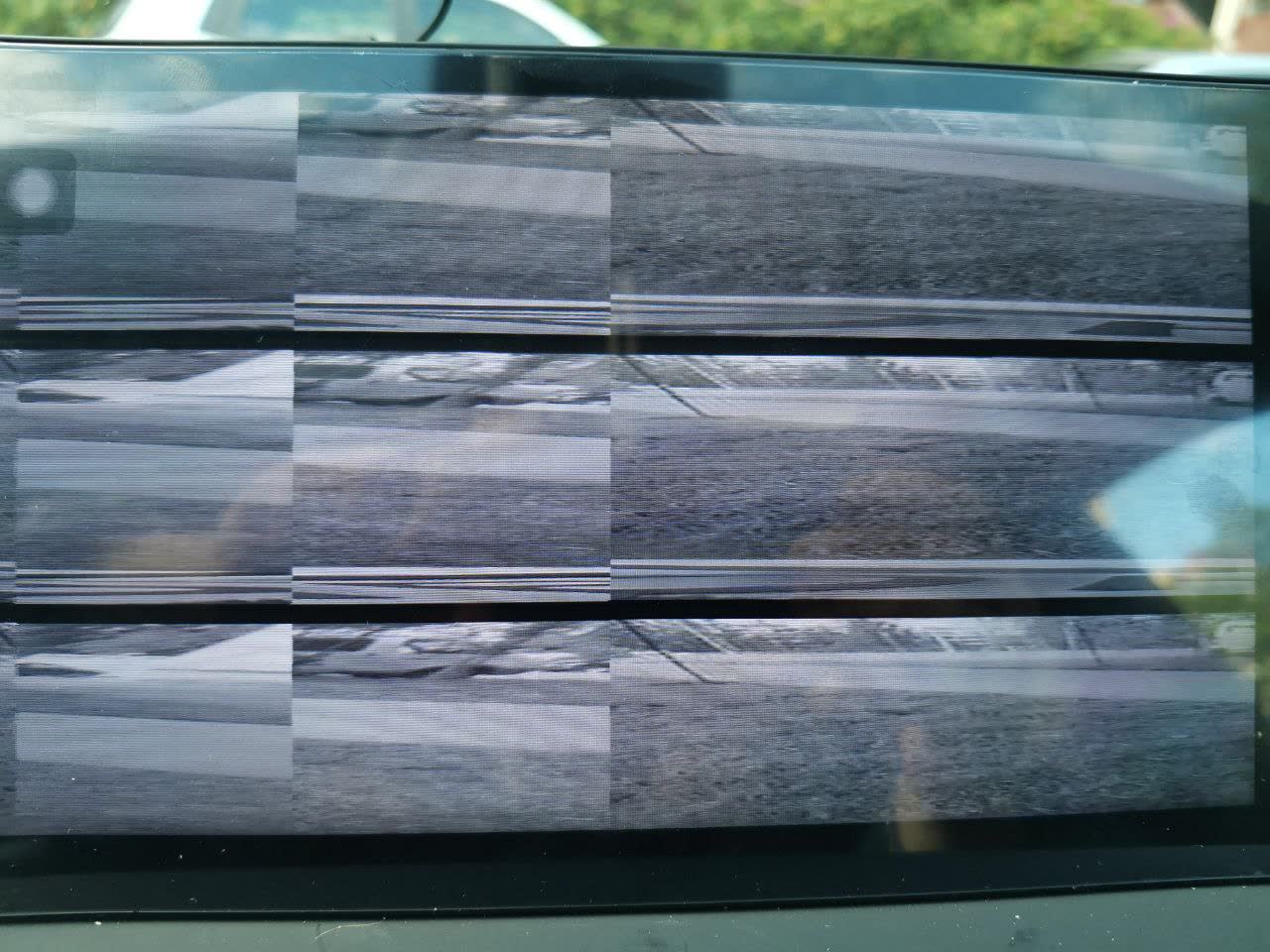
Symptom: no image output on the head unit when reverse gear is engaged 9. A related but milder variant: the camera image periodically drops out/disappears rather than failing completely 10.
Primary suspects, in order of likelihood. (1) Damaged or corroded wiring harness — check the connector at the camera's tail/rear end for moisture or frayed wires first, as this is called out as the most common cause 1112. (2) Internal camera unit failure — statistically responsible for about 80% of cases according to one owner's estimate, once wiring is ruled out 13. Symptom differentiator: if the head unit explicitly reports "no camera connection" rather than showing a blank/ garbled image, suspect the wiring/connection before replacing the camera itself 12.
Moisture entry point and preventive fix. Water frequently enters through the tail connector at the back of the camera housing. Applying butyl sealing tape (бутиловая лента) around that connector seals it against future water intrusion 11. Failure modes seen include a harness break specifically at a fold/bend point in the wiring 11.
Reliability track record. One owner reports, over 3.5 years of ownership: two camera-unit failures and one wiring-harness failure, i.e. camera/wiring issues in this area are a recurring rather than one-off maintenance item 14.
"Error" text overlay during parking, despite the camera image itself working fine. The backup/parking camera can occasionally show an "Error" text overlay on the infotainment screen while the camera image itself keeps functioning normally. This overlay indicates a fault in the steering-angle sensor circuit feeding the dynamic parking-guide lines, not a camera hardware failure — see the esp-traction-control card for more on this steering-angle-sensor false-error pattern. Workaround: rely on the camera image itself and visual judgement even when the overlay is present — the yellow/red trajectory guideline overlay is what's unreliable, not the camera's focus or distance rendering, which continue to work normally despite the error text 151617181920.
Connector type reference: RCA video plus separate 12V power. As a baseline reference for anyone diagnosing or replacing the rear camera: the X80 rear-view camera uses a standard RCA (tulip/cinch) connector for the video signal, with separate wiring carrying the 12V power supply. Because this is a universal RCA-compatible interface, any generic aftermarket rear camera can be substituted — installation is straightforward once the power and video lines are correctly routed and identified 212223.
Media
Aftermarket Android head unit's camera settings screen, showing rotation/zoom parameters used to correct a wrongly-oriented rear-camera image
Video frames from the backup-camera display showing parking-trajectory lines (yellow perimeter, red lane center) with an "Error" text overlay
Related pages
- EPB (electronic parking brake) issues
- Immobilizer module — location and water damage
- Backup camera upgrade
- Trunk lock water ingress and repair
- Rear springs — failure symptoms and diagnosis
Sources
This page is compiled from 23 community messages. Every fact carries a numbered reference to its original author and message.
Last updated: 2026-07-24
-
Дмитрий (1853085521) · FAW X80 🚘🛠🛞 · 2025-08-11 · original message · ru ↩
-
Владимир Васильчиков (6238050254) · FAW X80 🚘🛠🛞 · 2025-08-12 · original message · ru ↩
-
Дмитрий (1853085521) · FAW X80 🚘🛠🛞 · 2025-08-12 · original message · ru ↩
-
Владимир Васильчиков (6238050254) · FAW X80 🚘🛠🛞 · 2025-08-12 · original message · ru ↩
-
Ralif (5193298419) · FAW X80 🚘🛠🛞 · 2025-08-12 · original message · ru ↩
-
Андрей Б. (1275682418) · FAW X80 🚘🛠🛞 · 2025-08-24 · original message · ru ↩
-
Эдуард Янонис (1292719479) · FAW X80 🚘🛠🛞 · 2025-08-24 · original message · ru ↩
-
Андрей Б. (1275682418) · FAW X80 🚘🛠🛞 · 2025-08-24 · original message · ru ↩
-
Виктор Соколов (5259676092) · FAW X80 🚘🛠🛞 · 2025-02-24 · original message · ru ↩
-
🇯🇺🇱🇮🇦 (1707891432) · FAW X80 🚘🛠🛞 · 2025-02-24 · original message · ru ↩
-
Эдуард Янонис (1292719479) · FAW X80 🚘🛠🛞 · 2025-02-24 · original message · ru ↩↩↩
-
Василий Егоров (964885990) · FAW X80 🚘🛠🛞 · 2025-02-24 · original message · ru ↩↩
-
Эдуард Янонис (1292719479) · FAW X80 🚘🛠🛞 · 2025-02-24 · original message · ru ↩
-
Эдуард Янонис (1292719479) · FAW X80 🚘🛠🛞 · 2025-02-24 · original message · ru ↩
-
Алексей Криушичев (464382695) · FAW X80 🚘🛠🛞 · 2026-06-19 · original message · ru ↩
-
Алексей Криушичев (464382695) · FAW X80 🚘🛠🛞 · 2026-06-19 · original message · ru ↩
-
Victor 🇷🇺 (5003385587) · FAW X80 🚘🛠🛞 · 2026-06-19 · original message · ru ↩
-
Victor 🇷🇺 (5003385587) · FAW X80 🚘🛠🛞 · 2026-06-19 · original message · ru ↩
-
Алексей Криушичев (464382695) · FAW X80 🚘🛠🛞 · 2026-06-19 · original message · ru ↩
-
Victor 🇷🇺 (5003385587) · FAW X80 🚘🛠🛞 · 2026-06-19 · original message · ru ↩
-
Дмитрий Ф. (5680745558) · FAW X80 🚘🛠🛞 · 2024-07-18 · original message · ru ↩
-
Николай (1572486956) · FAW X80 🚘🛠🛞 · 2024-07-18 · original message · ru ↩
-
Дмитрий Ф. (5680745558) · FAW X80 🚘🛠🛞 · 2024-07-18 · original message · ru ↩